2.3. Join a team Card via Web
Join a team Card via Web
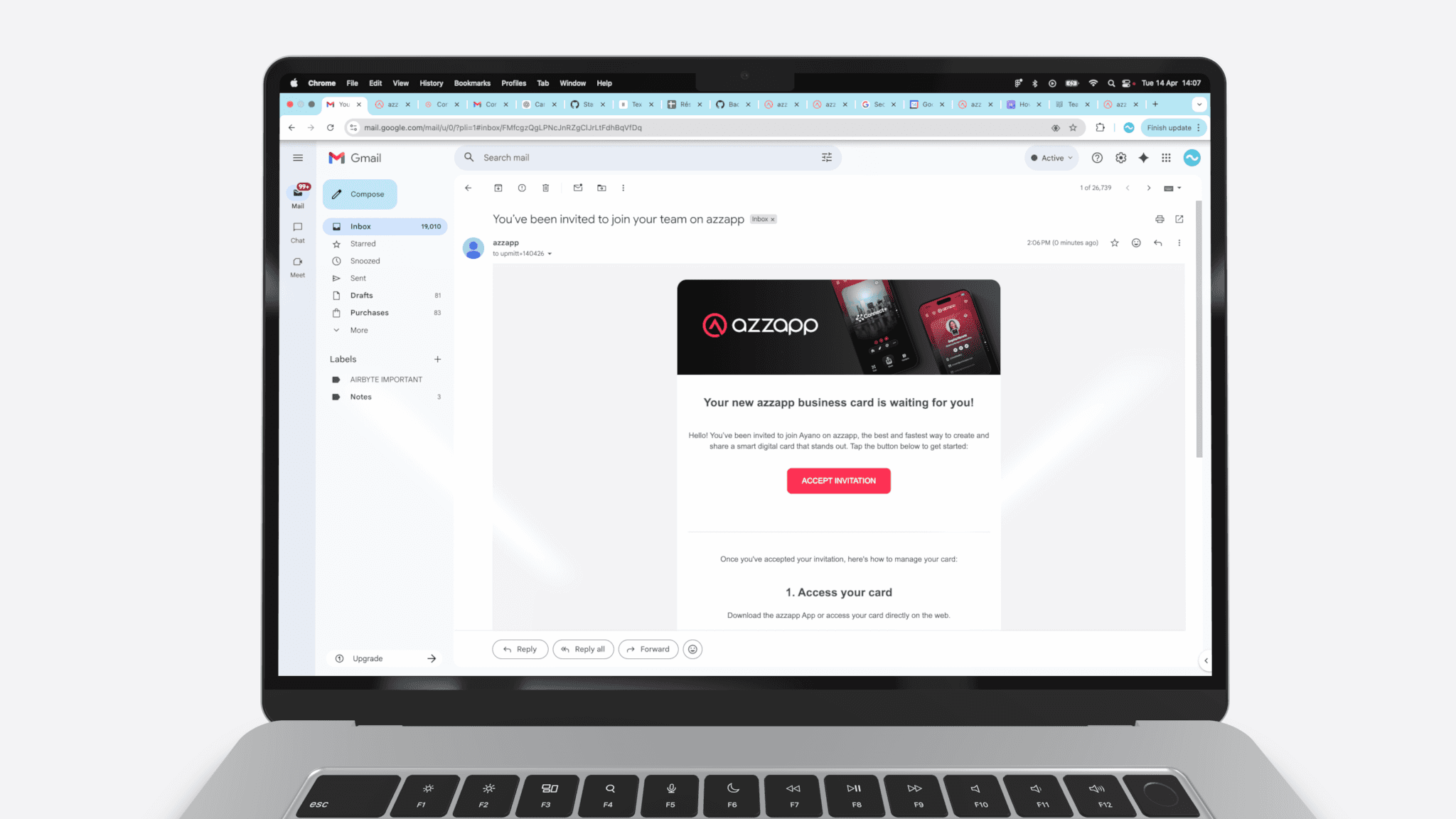
Invitation
When you are invited to join a shared Card, you will receive an invitation:
By SMS (if invited via a phone number) or
By email (if invited via an email)
The invitation includes a secure link to join the Card
Click the link from the SMS or email
You will be redirected to the azzapp web platform
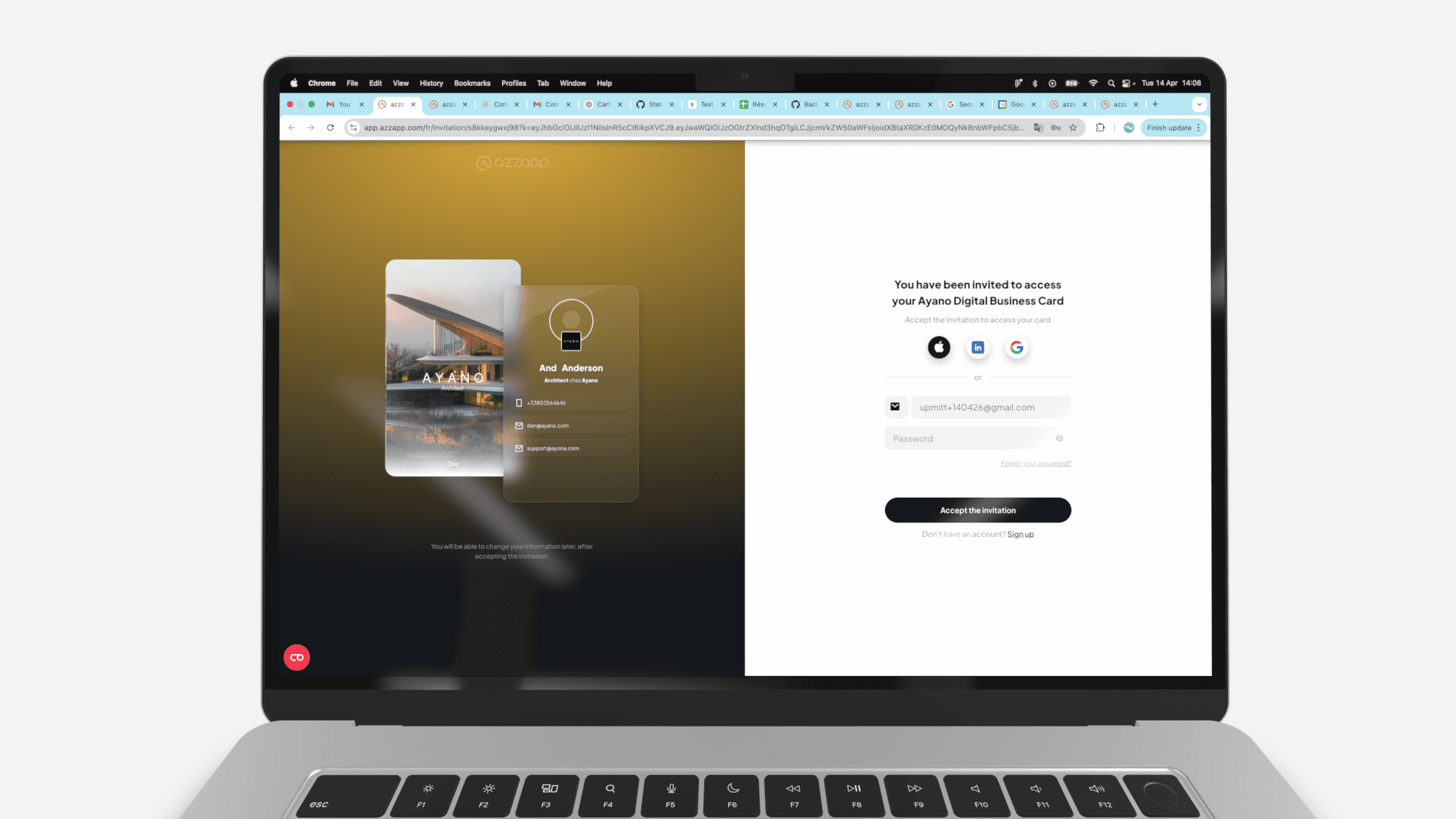
Create your account:
Preview your personalized Card directly on the screen
Your phone number or email will already be pre-filled in the sign up form
Choose your password
Click “Accept the invitation”
Your account is created instantly, and your personalized version of the shared Card is ready.
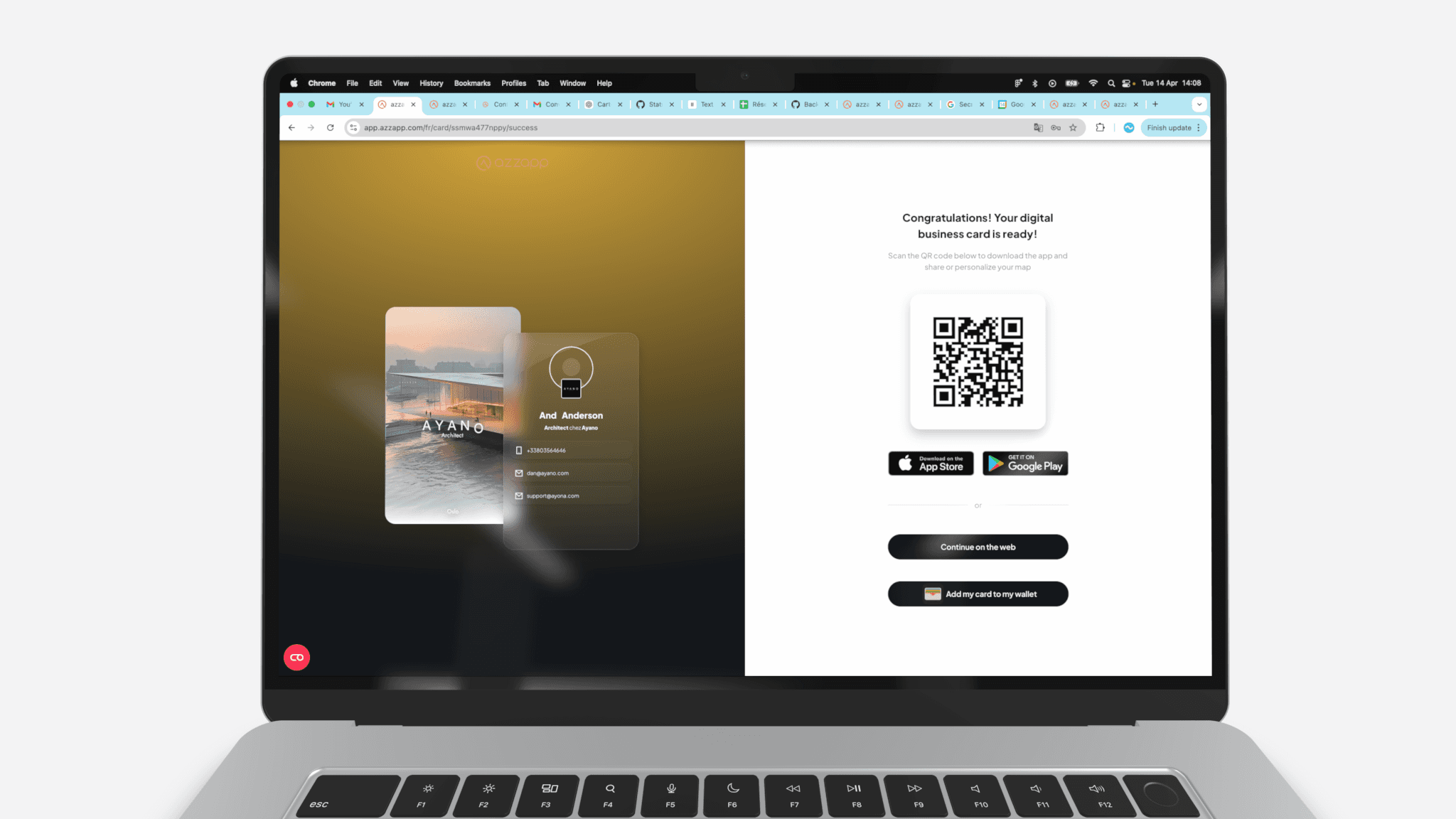
Continue on Web or Mobile:
After accepting the invitation and joining the Card, you can:
Continue using azzapp on the web platform
Install the mobile app (ideal for everyday use)
Add your personalized Card to the native Wallet app of your mobile device