2.2. Create a new account
Create a new account
Guided onboarding
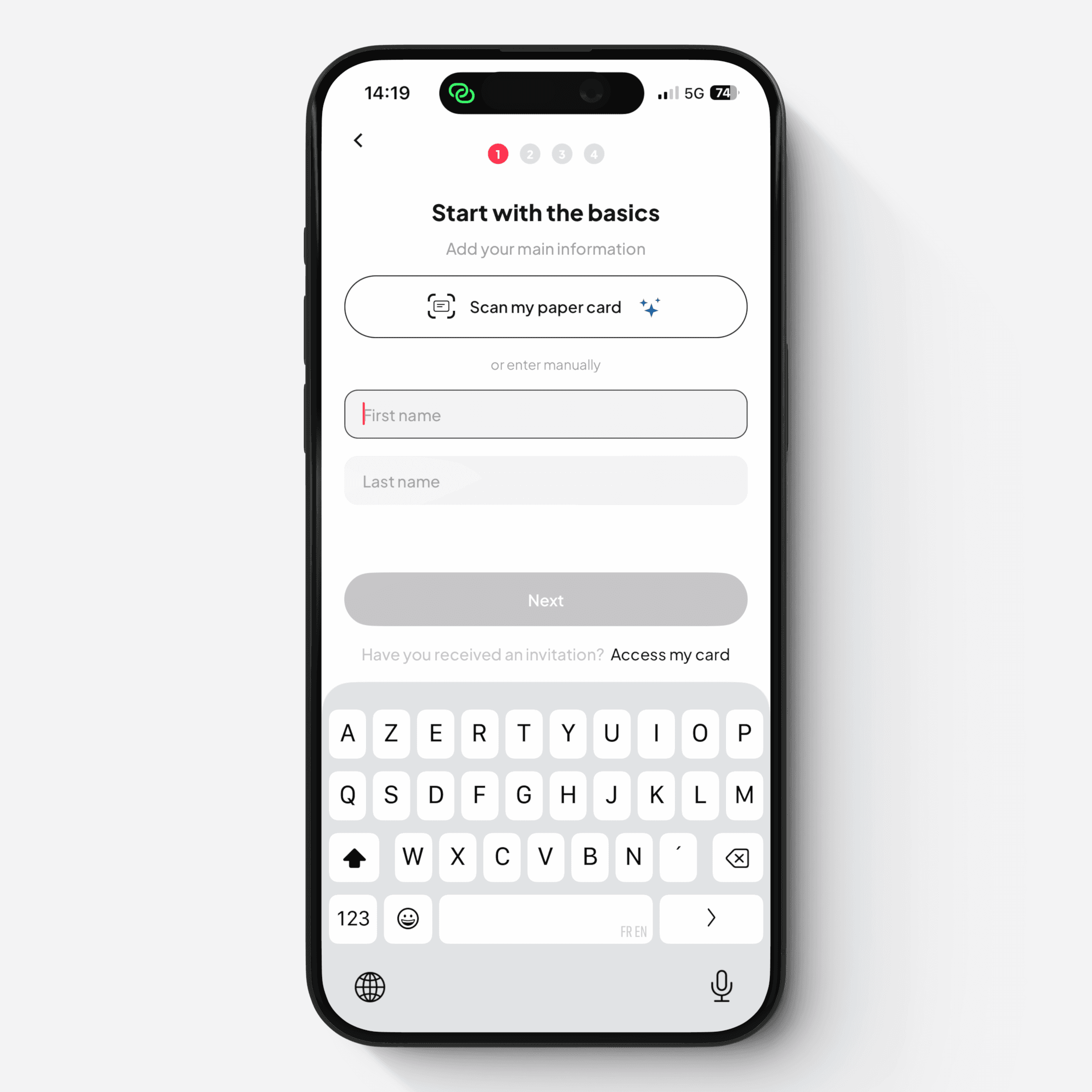
The onboarding process guides you through creating your first Card. It is quick and intuitive, and takes less than a minute.
(On the mobile app, you can scan your paper business card to automatically fill in your contact details during onboarding.)
Sign-up
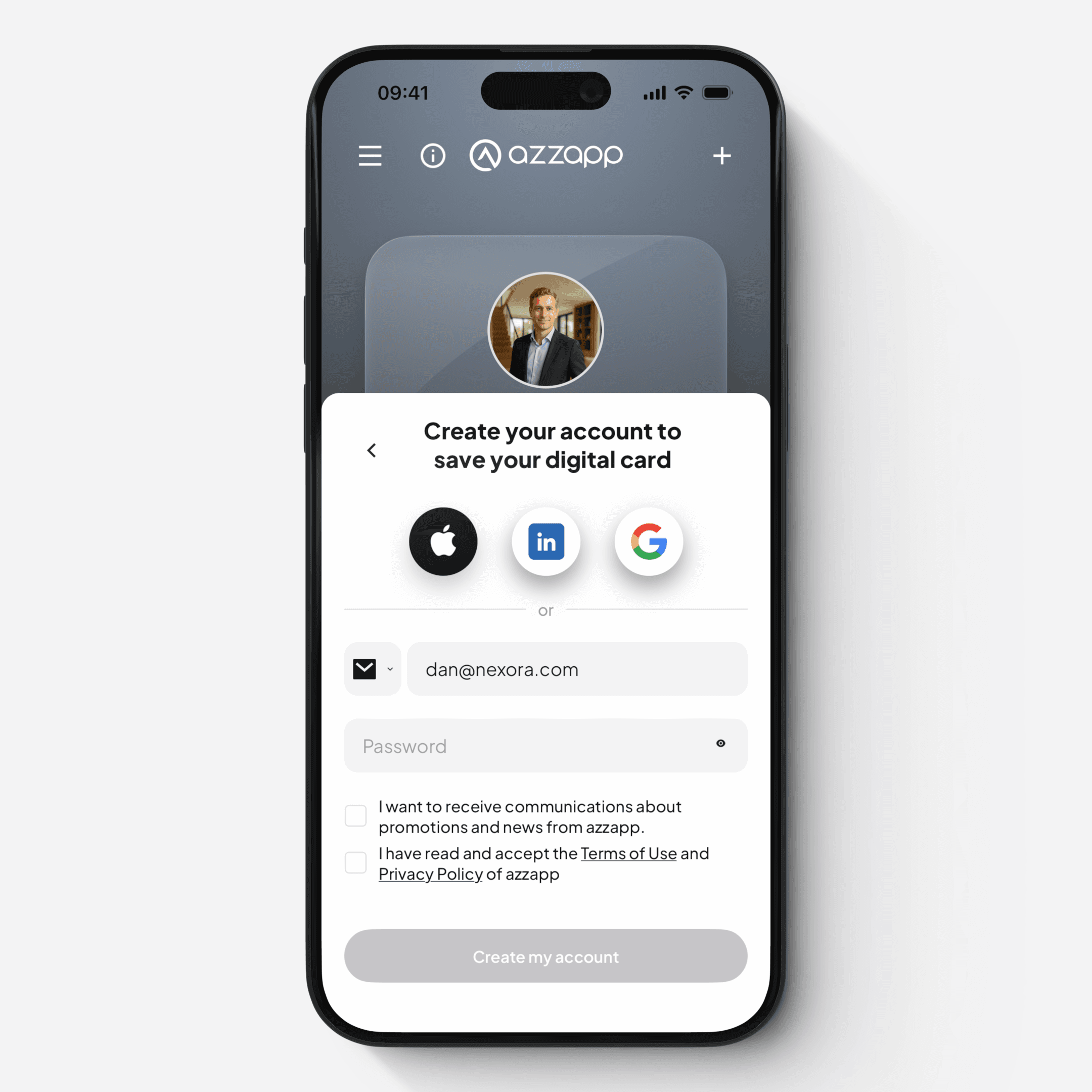
After onboarding, you will create your account using one of the following options:
Email
Phone number
OAuth (Google, Apple, or LinkedIn)
Verification
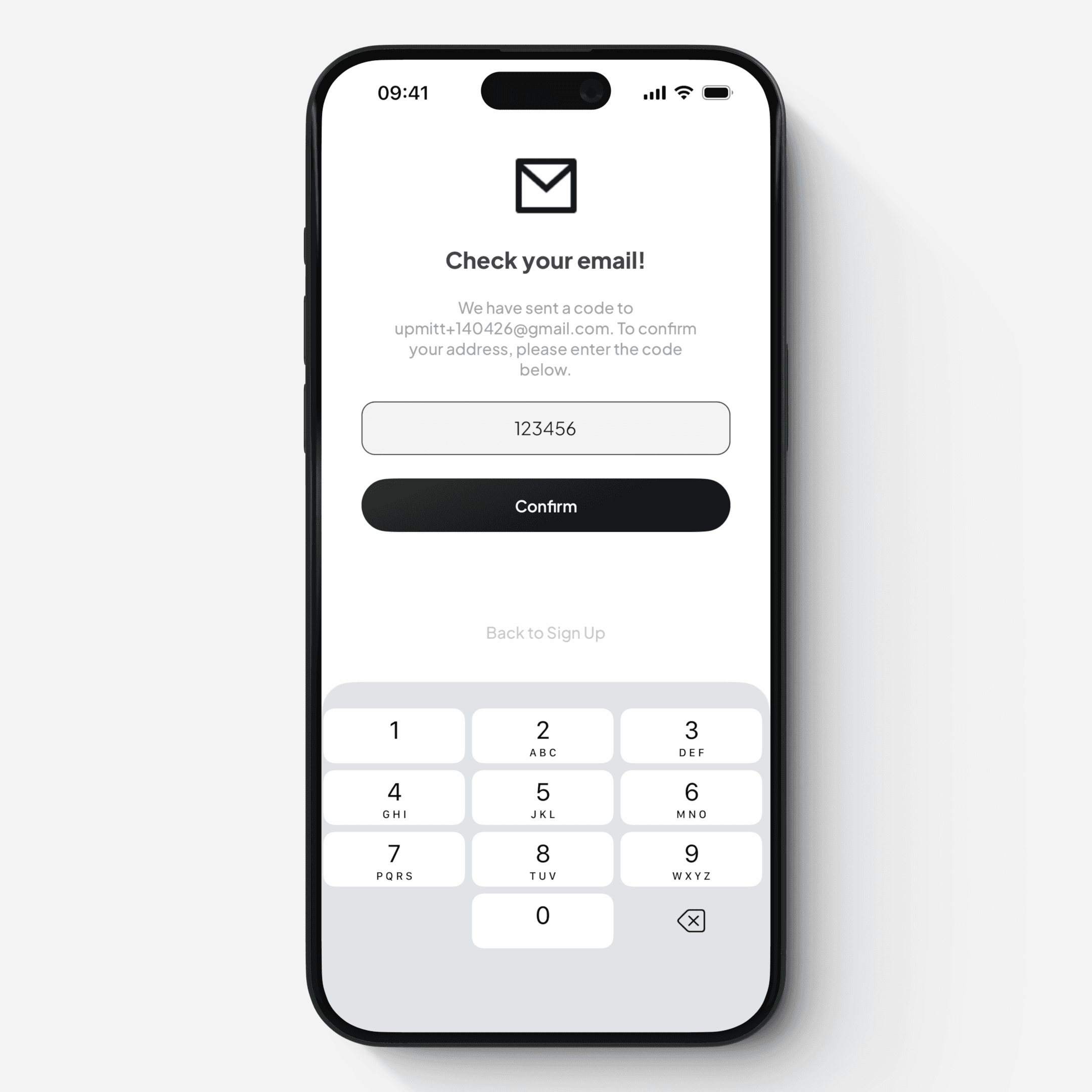
To activate your account, you will be asked to verify your email or phone number.
A verification code is sent to the email or phone number you used
Enter the code to confirm your account
Your account is ready!
Once verification is complete:
Your account is activated
You are logged in automatically
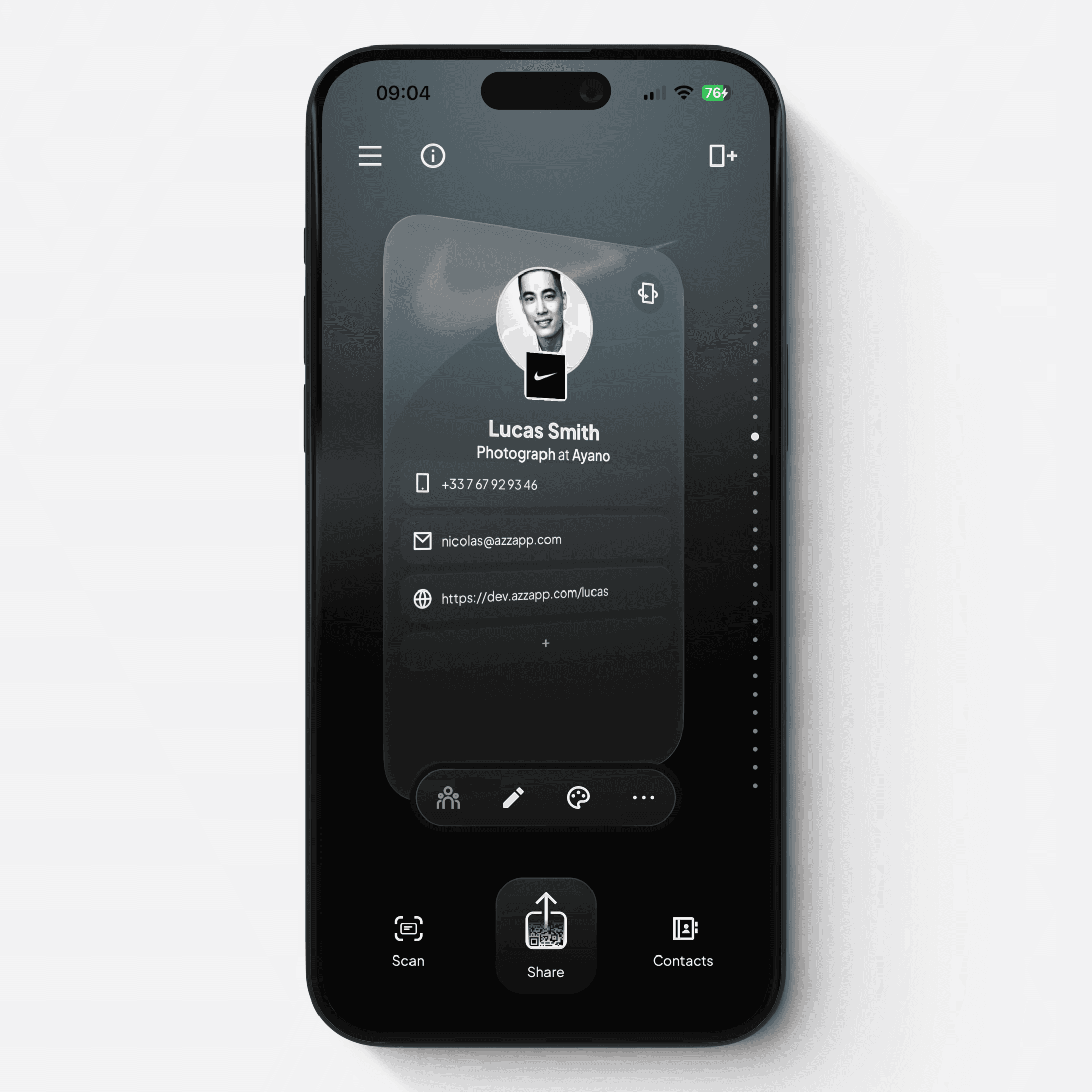
Your first Card is ready to be shared
You can further modify your Card at any time