1. Concept: What is azzapp
1.1. What is azzapp?
1.2. Key features
1.3. Mobile App and WebApp
2. Getting started
2.1. Download azzapp or access it on the browser
2.2. Create a new account
2.3. Join a team Card via Web
2.4. Join a team Card via mobile app
3. Editing your card
3.1. What makes a ‘Card’
3.2. Card information
3.3. Card design
3.4. Advanced Design
4. Share your Card
4.1. What is shared
4.2. How recipients see your Card
4.3. Share via QR code
4.4. Share via link
4.5. Share via Wallet application
4.6. Share via email signature
4.7. Share in offline mode
5. Contacts
5.1. Overview
5.2. Adding contacts
5.3. Manage your contacts
5.4. Contact enrichment
5.5. Team contacts
5.6. Export contacts
6. Teams Functionality
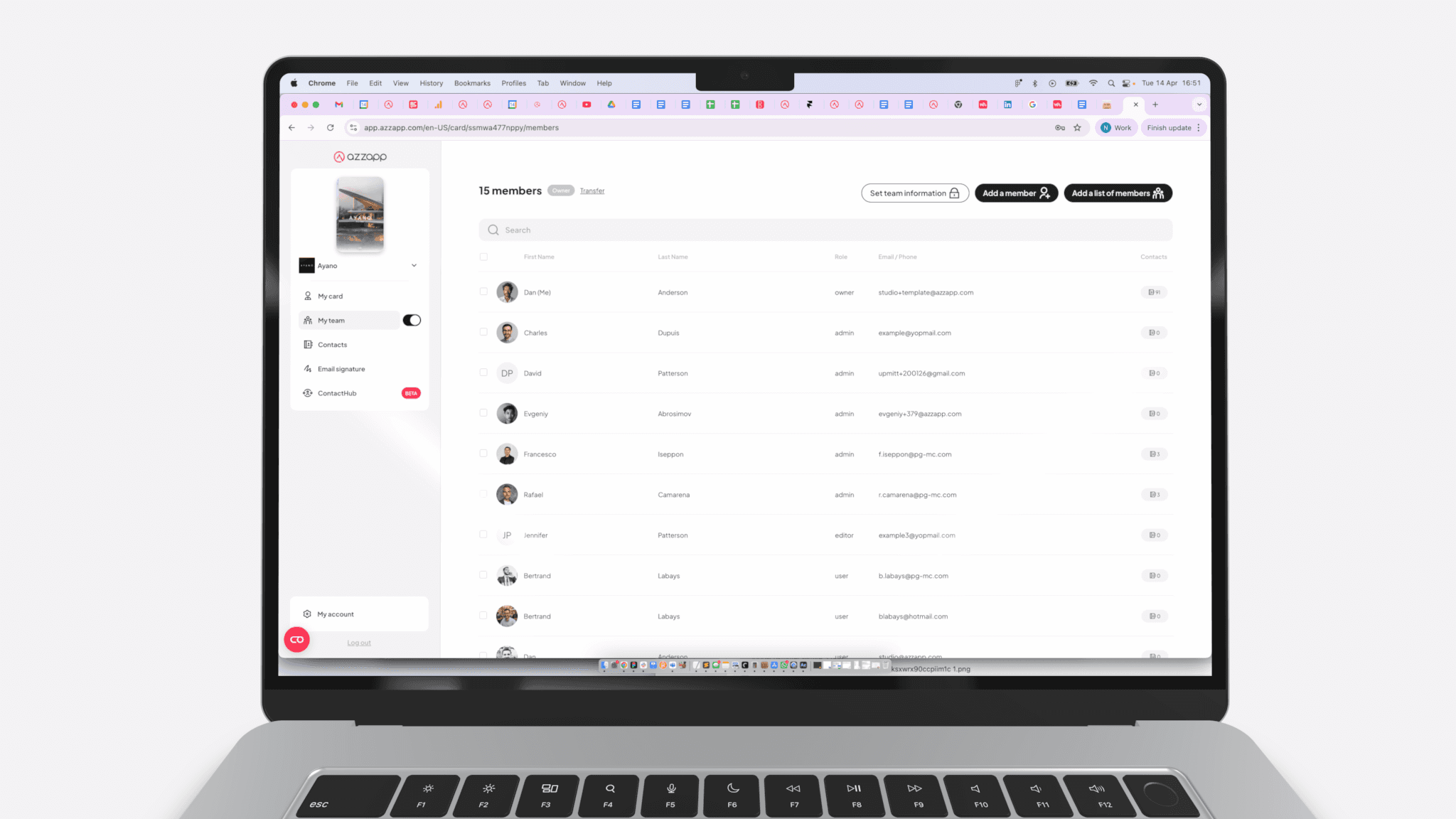
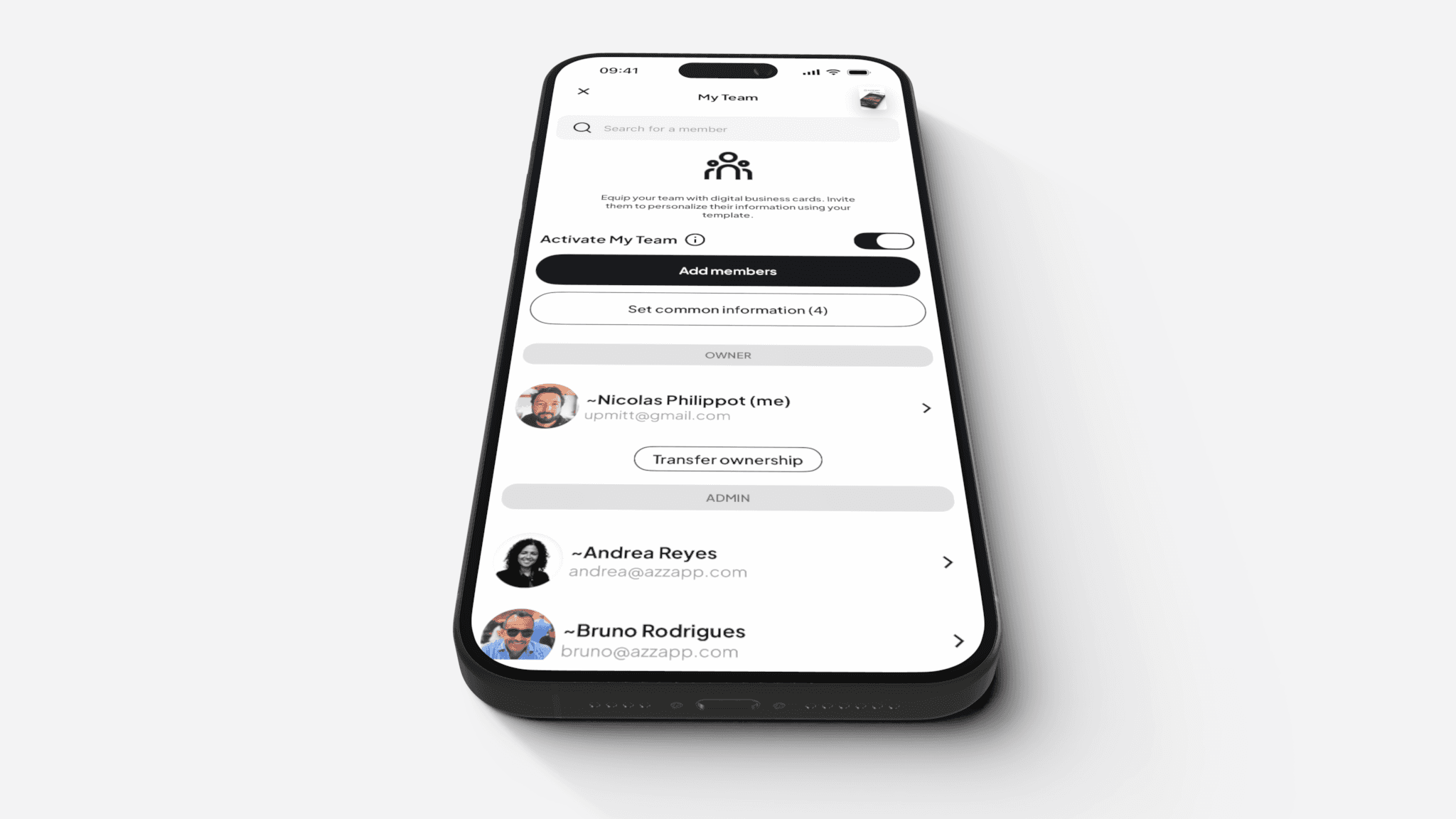
6.1. Overview
6.2. Teams Roles and Rules
6.3. Activating the Teams Feature
6.4. Setting up common Team information
6.5. Inviting and Managing Members
6.6. Manage your team
6.7. Shared Contacts Management
7. Activity Stats
7.1. Overview
7.2. How to access to activity
7.3. How activity works
8. Integrations
8.1. Overview
8.2. HubSpot
8.3. Salesforce
8.4. Salesforce Release Notes
9. Websites
9.1. Overview
9.2. Website setup flow
9.3. Website settings
9.4. Website Teams
9.5. Pages and Navigation
9.6. Website Builder
9.7. Sections Overview
Welcome to azzapp documentation
Discover in this short video how to equip your team
Synchronize your contacts with the CRM of your choice.
create a rich, structured Card experience
Create your account in less than a minute.
Learn more about team different roles and rules
Richiedi una demo