3.3. Card design
Card design
This is where you define the visual identity of your Card.
How to access
Mobile app
Tap the color palette icon under the Card, or
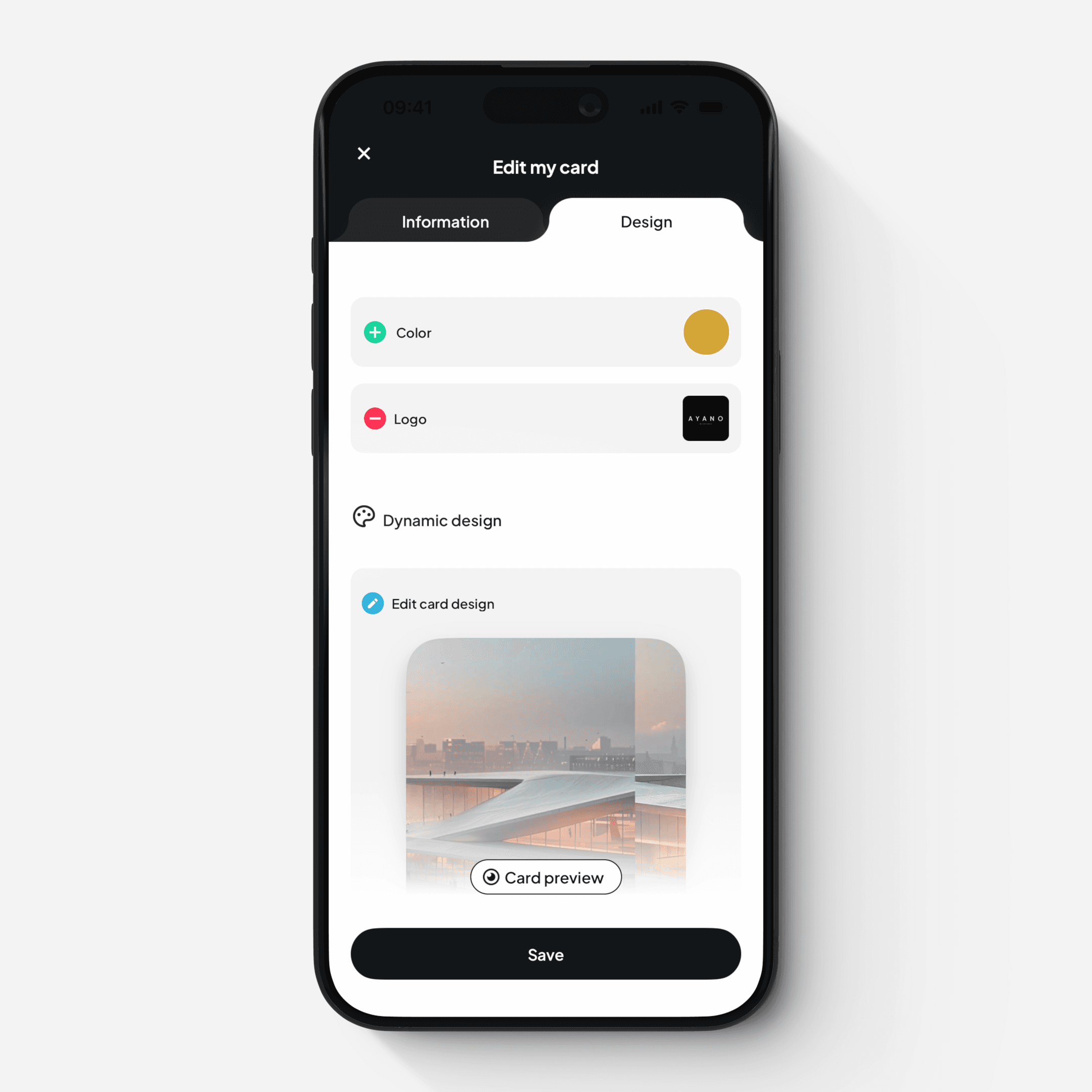
Switch to the Design tab
Web platform
Click the “Design” button on the Card screen
What you can customize
Main color — defines the color of your Card and the appearance of various visual elements across mobile and web
Logo — displayed under your avatar and used as the default logo for your email signature
From this section, you can also access Advanced Design features.