3.2. Card information
Card information
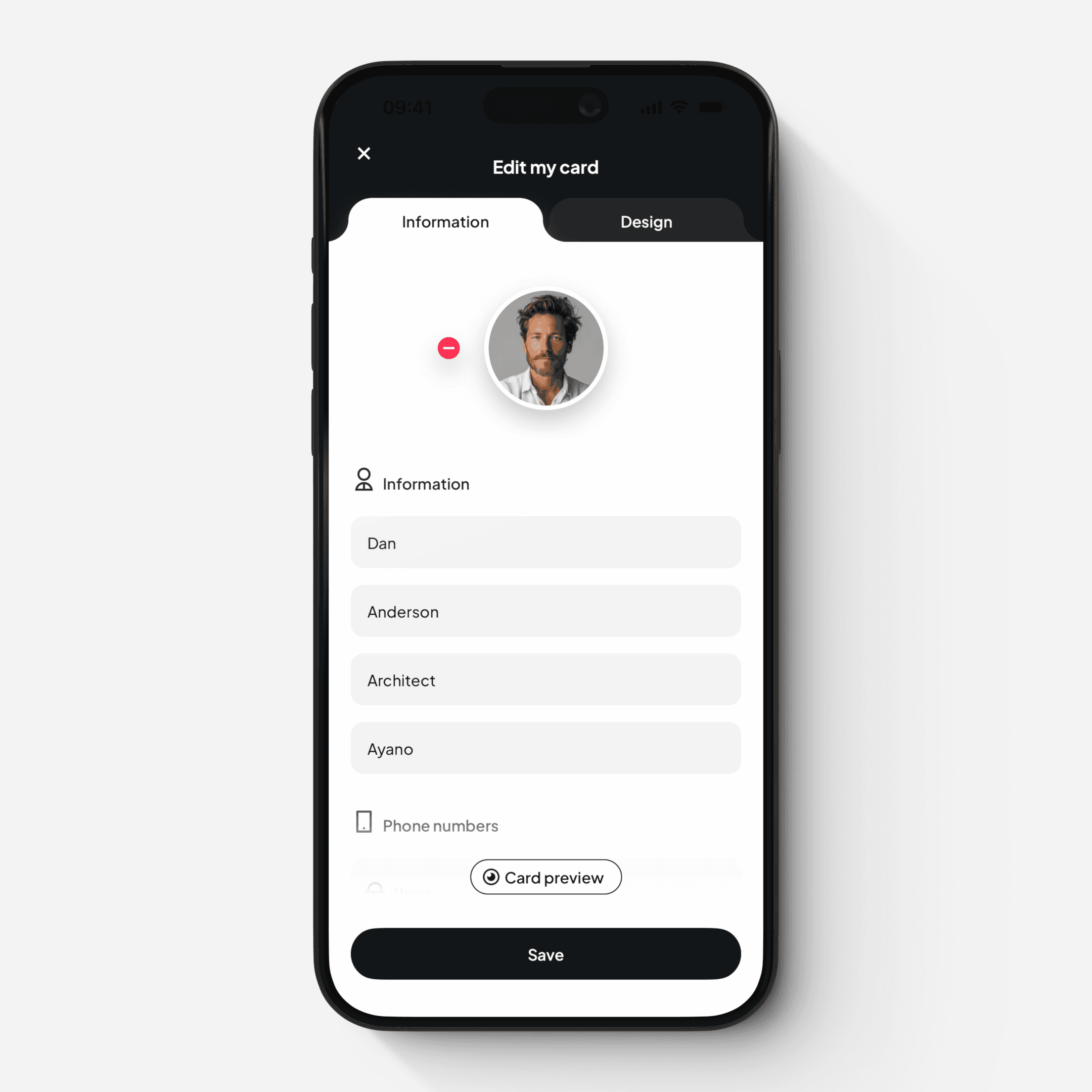
This is where you manage the contact details that are shared via your Card.
How to access
Mobile app
Tap on your Card (contact details side) on the main screen, or
Tap the “pen” icon under the Card
Web platform
Click the “Information” button on the Card screen
What you can edit
You can add or update:
Profile avatar
Name and title
Company name
Phone numbers and emails
Website URLs
Address
Social media links
Birthday
These details are the actual information received by others when you share your Card.