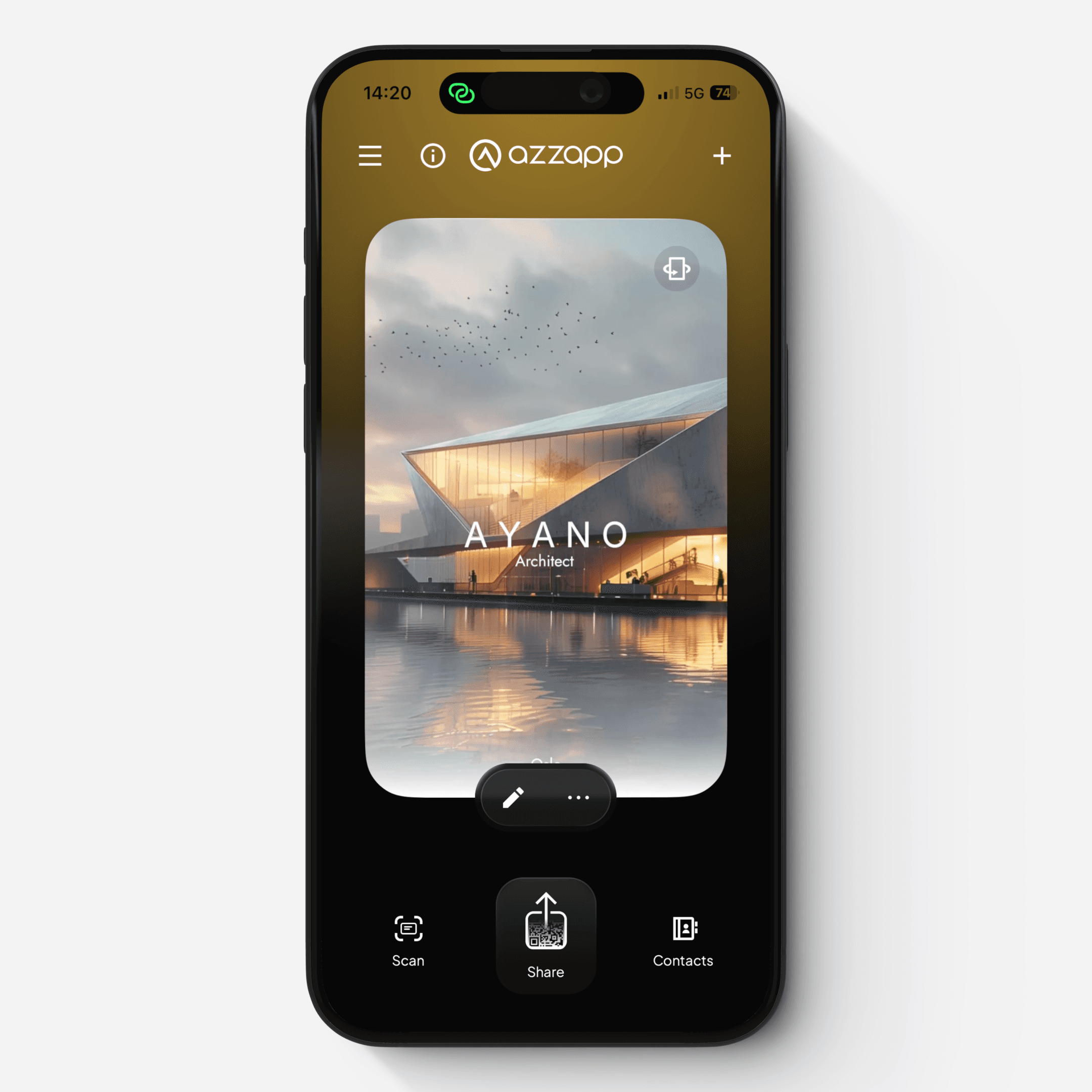
2.4. Join a team Card via mobile app
Join a team Card via mobile app
Install and launch the mobile app
Download the azzapp mobile app from the App Store or Google Play
Open the app
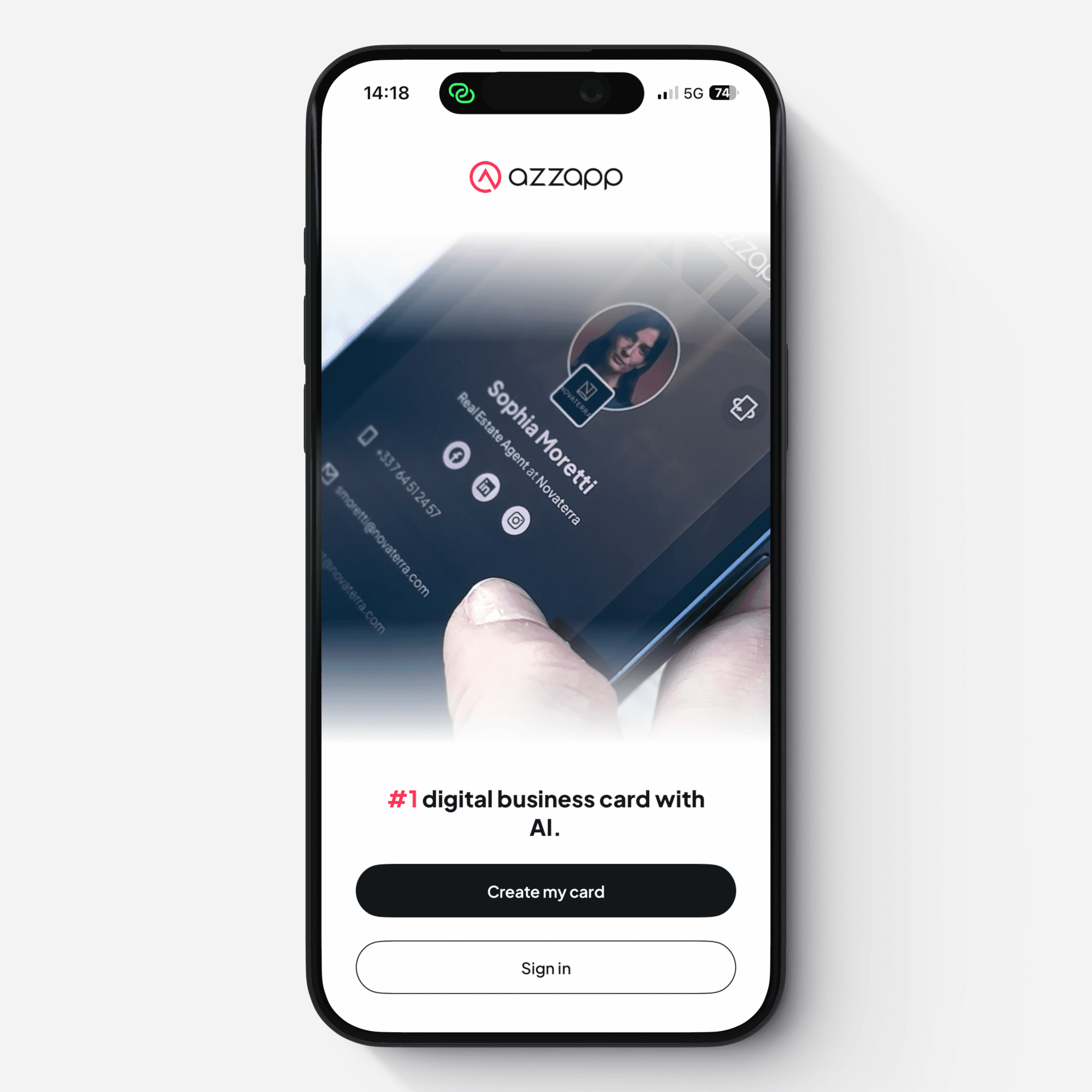
Start from the onboarding screen
Tap “Create my Card” button
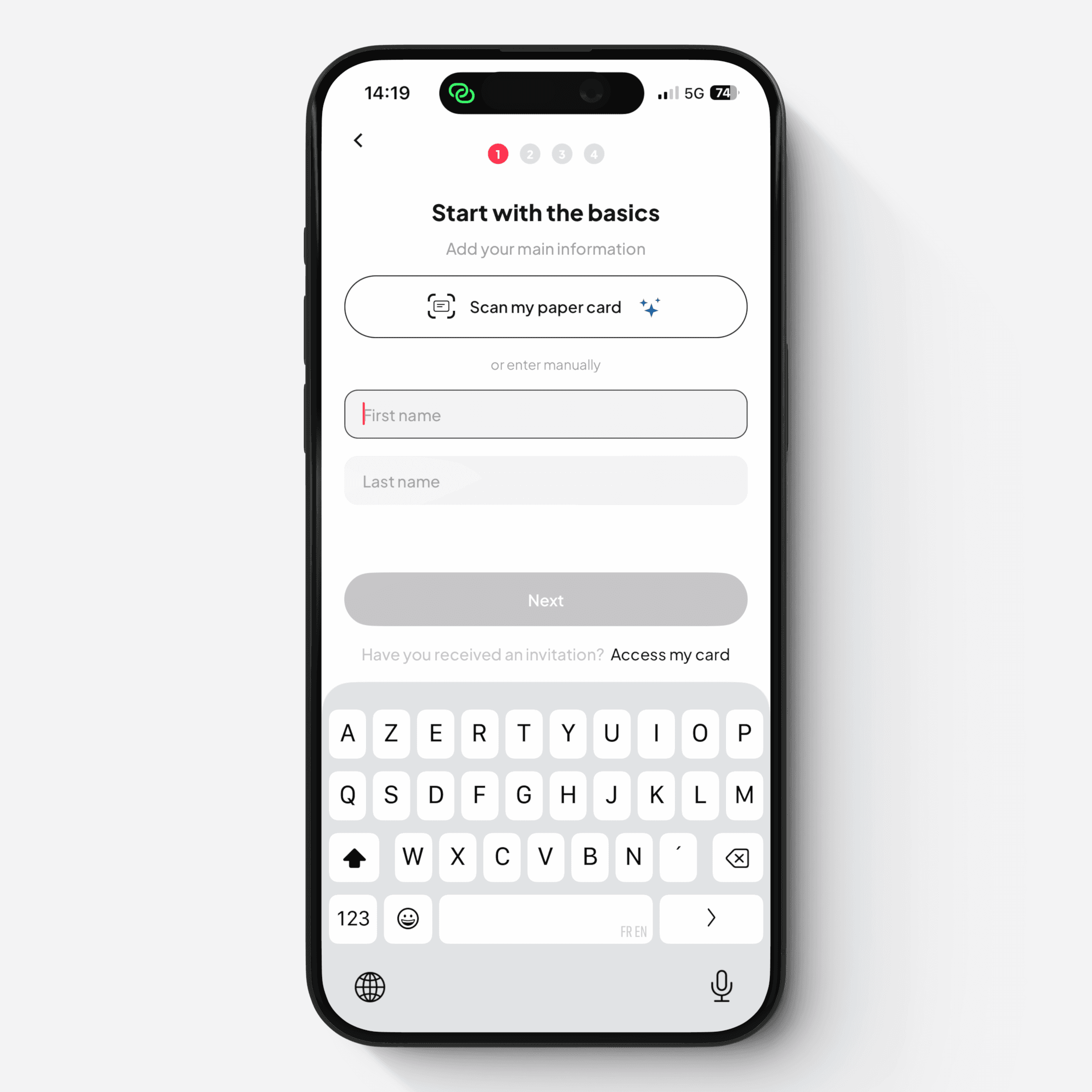
On the onboarding screen, select: “Have you received an invitation? Access my card”
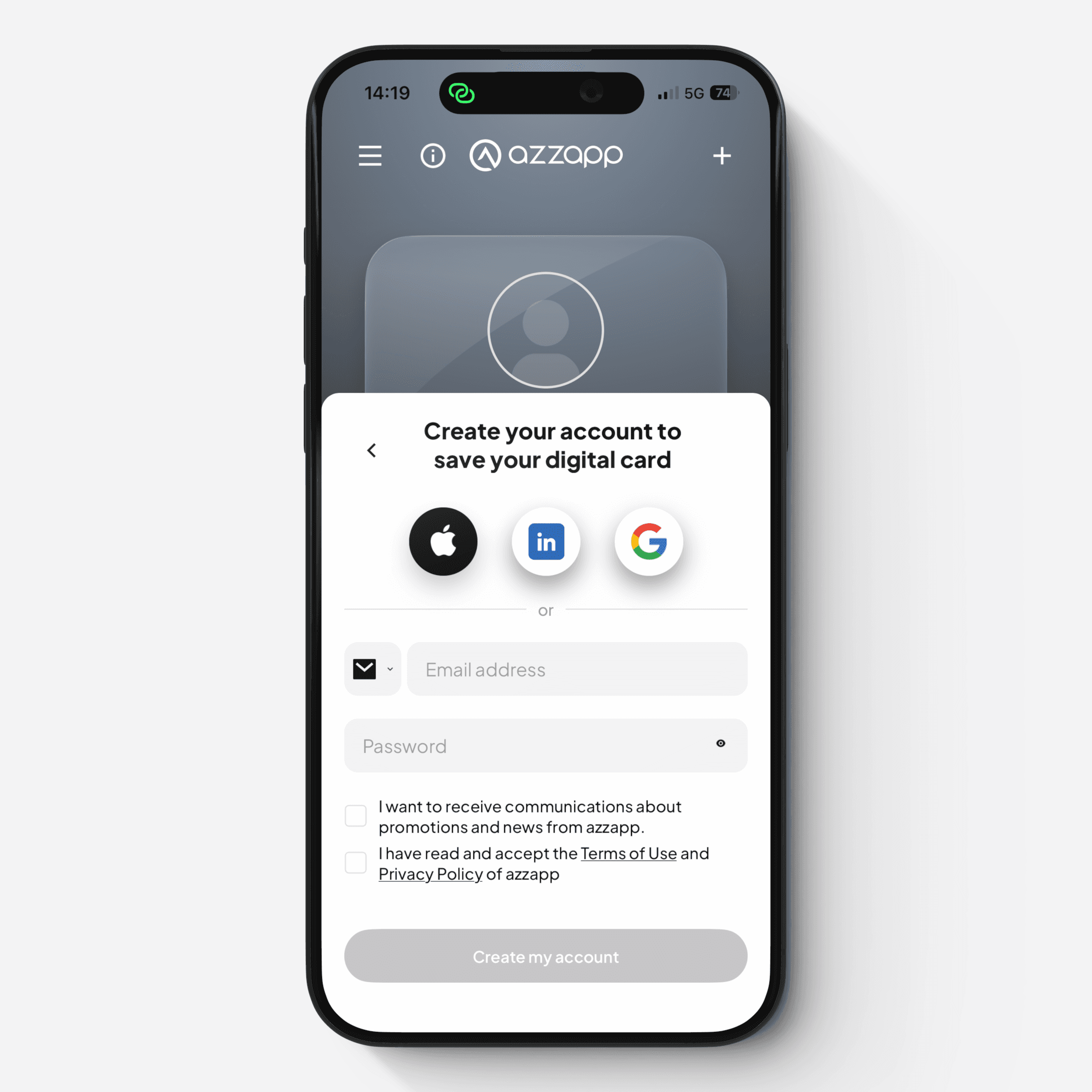
Create your account
Enter the email address or phone number where you received the invitation
Choose your password
Tap “Create my account”
Verify your account
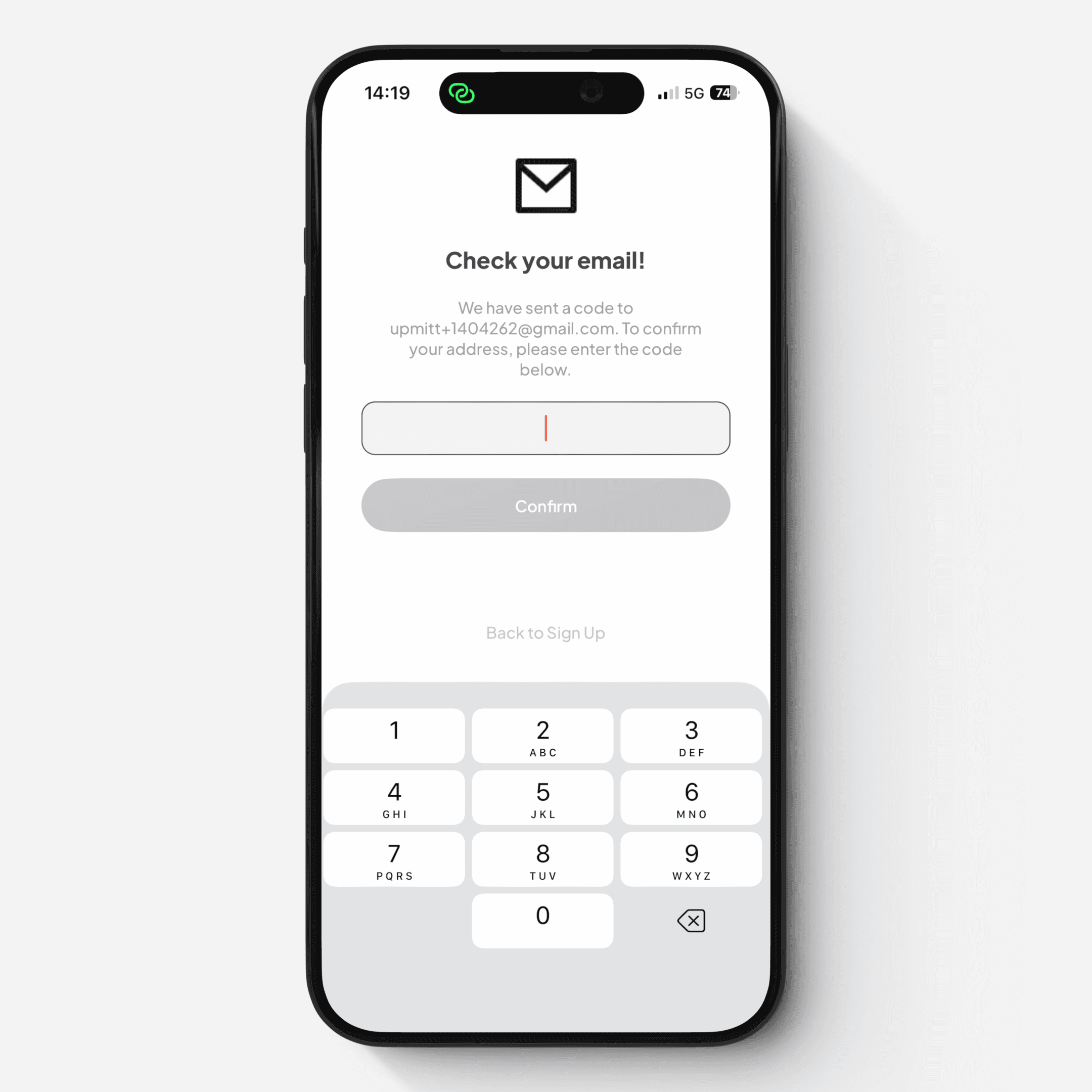
A verification code is sent to your email or phone number
Enter the code to confirm your account
Your account is now created, but the invitation is not yet accepted.
Accept the invitation
Tap the “+” button (top right corner, with red notification)
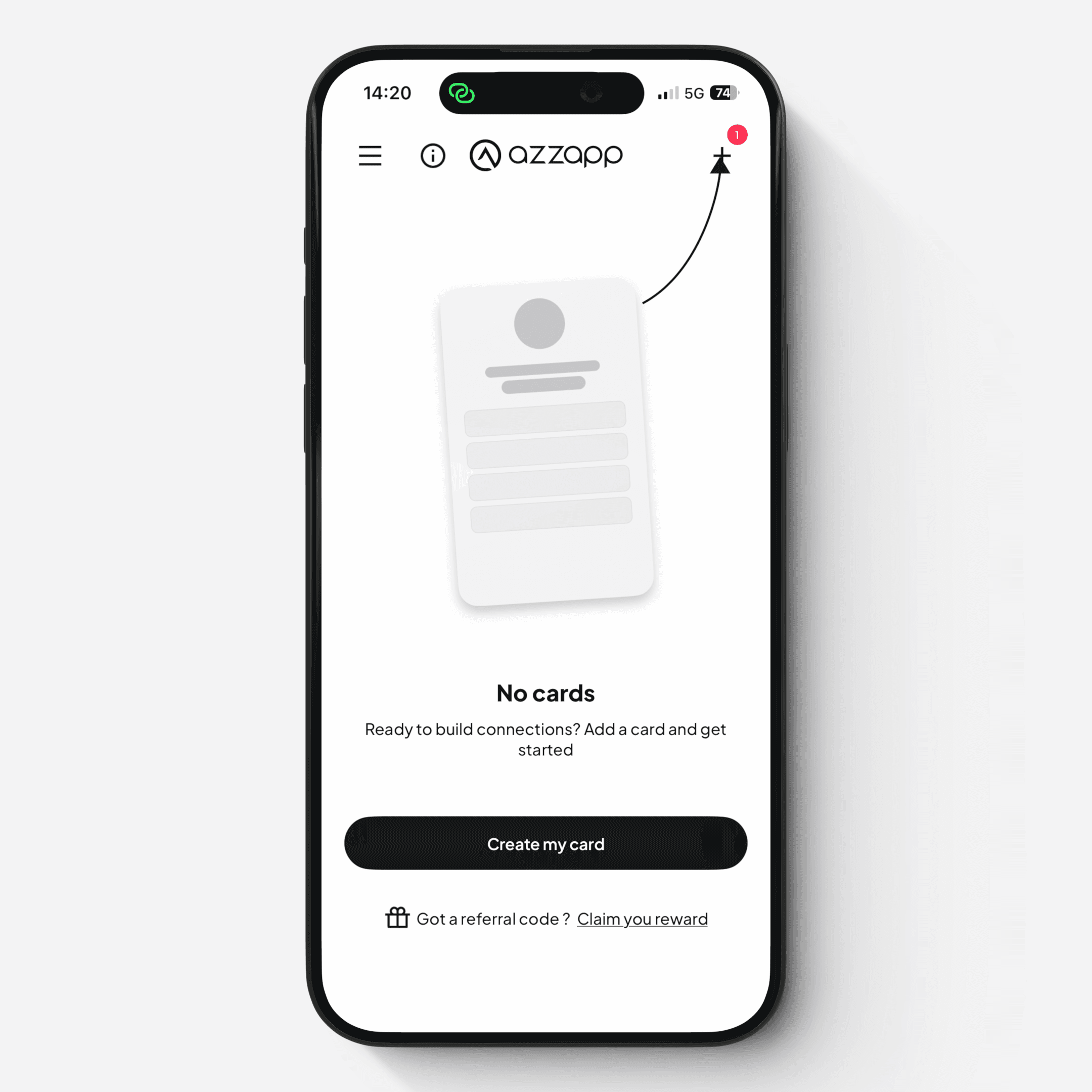
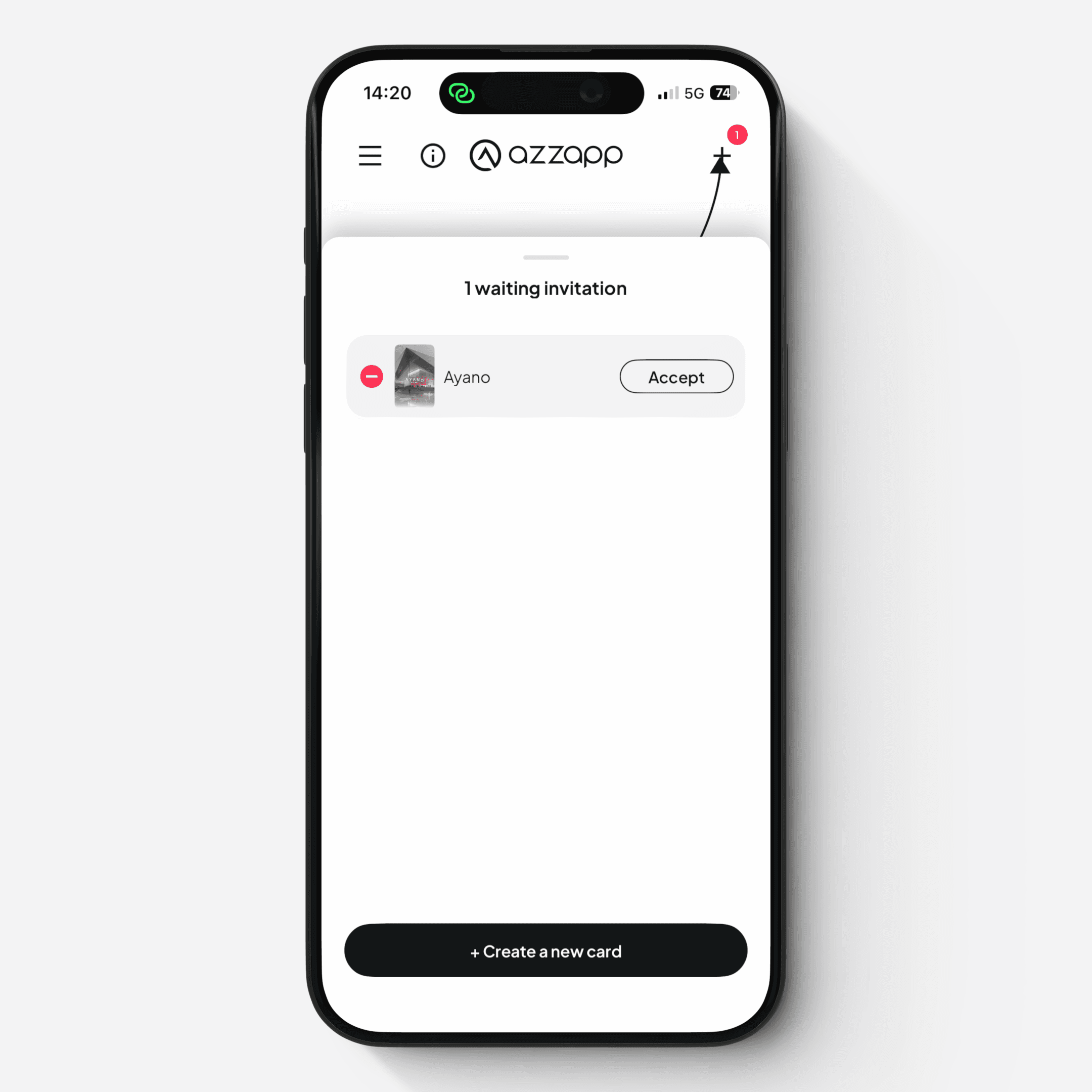
This opens the Card selector screen, where you can see pending invitations
Tap “Accept”
The shared Card is now added to your account and appears on the Home screen of the mobile app, ready to be used, modified, and shared.